
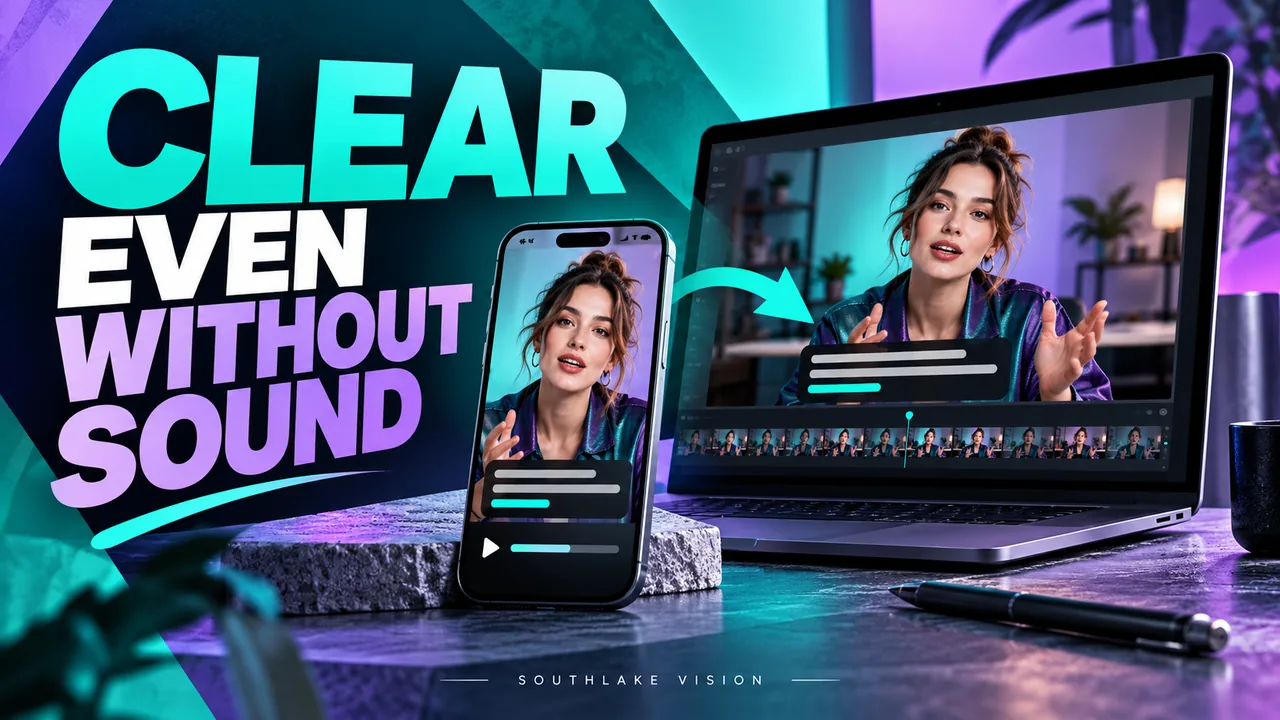
Original editorial cover illustration — Southlake Vision. Product imagery is illustrative.
Give the opening a visible job
An ecommerce product video may begin playing while a shopper is scanning a page with the sound muted. The opening therefore needs to communicate through the product itself. Show a recognizable object, a meaningful action, or a useful before and after state that the real product can demonstrate. An abstract texture may be attractive, but it should not postpone understanding unnecessarily.
Define the first visual question: does the product fold, dispense, illuminate, organize, or fit into a familiar space? Then choose the smallest number of shots needed to establish that behavior. This is a planning principle rather than a performance guarantee. The effectiveness of an opening depends on the audience, placement, surrounding page content, and how clearly the product’s real function is presented.
Design the sequence to survive muted playback
Silent first does not mean that sound has no value. It means that the essential information remains understandable without it. Map the narrative as a series of visible states: complete product, user action, result, key detail, and a final view. If a critical explanation exists only in narration, decide whether the action needs better coverage or a concise text cue.
A hypothetical folding organizer could be shown closed, opened, filled, and placed in its intended setting. Those images explain more than a voice saying it is convenient. The actual sequence must follow the supplied product’s operation. Southlake Vision video services can help plan coverage, but the brand should verify specifications and avoid substituting a general advertising promise for a demonstrable feature.
Write text for the screen it will occupy
Text should complement motion without forcing the viewer to choose between reading and watching. Draft short, specific lines and place each next to the relevant action. Identify actual capacities or materials only when the brand has confirmed them. A vague adjective occupying half the frame often contributes less than a clear view of the component.
Check the smallest intended playback size before approving the typography. Thin letterforms, low contrast, and long lines may look elegant on a large monitor yet become difficult to read on a phone. Build enough negative space into the composition so captions do not cover controls or the product edge. If subtitles are required, distinguish spoken subtitles from additional on screen feature labels in the brief.
Plan alternate framing before the shoot
Cropping is not a reliable rescue strategy for every video. A horizontal shot of hands using a wide product may lose the hands or the product when cropped vertically. A centered beauty shot may adapt well, while a two person scene may need separate coverage. Mark these differences before production rather than discovering them during export.
Prepare a framing guide for each agreed destination and verify its current delivery specifications. Landscape, square, and portrait versions can be useful brief options, but they are not universal rules. Ask the team to test the most restrictive frame and protect space for text. When the same set will produce product photographs, make sure both still and moving compositions receive enough attention.
Make loops and endings feel intentional
A looping product page clip needs a considered beginning and ending. If the action resets abruptly, the viewer may read the jump as a product fault. Consider a return to the initial position, a stable final view, or a natural movement that can bridge the repeat. Whether looping is appropriate depends on the placement and the actual content.
Avoid using a loop to imply continuous operation if the product requires manual resets, charging, or other preparation. For a longer explanation, a decisive end may be clearer than repetition. Confirm whether the page player will loop, show controls, or use a separate poster image. These details affect the opening frame, closing frame, and thumbnail composition even when the underlying footage remains unchanged.
Balance image quality and delivery weight
Compression is part of delivery planning, not simply a final reduction slider. Fine fabric patterns, moving water, and reflective particles can be more demanding to encode than a stable tabletop scene. Excessive compression may erase the very texture that differentiates the product. Ask for a short test export of the most difficult material before approving all versions.
Specify the expected playback context, file type, dimensions, and any host requirements, then compare the export with the approved master. Check for broken gradients, unstable edges, unreadable text, and audio issues where sound is present. Provide a lightweight mobile option where the agreed hosting workflow supports it. File size alone is not a full measure of perceived loading speed or visual quality.
Review adaptations as separate communications
An adaptation can meet technical dimensions and still fail to communicate. Review each version independently: does the opening identify the product, does every key action remain visible, and does the ending make sense? Shortening a clip may remove the context that explained a closeup. Rearranging shots may also create continuity problems or suggest the wrong operating order.
Create a simple acceptance sheet for each export: correct product, accurate color, visible function, readable text, complete frame, and agreed audio. Include filenames and revision labels so reviewers do not approve different versions accidentally. Use Southlake Vision’s workflow to establish a single feedback owner and timecoded comments, especially when ecommerce, social, and brand teams review the same production.
Build video into the page rather than treating it as decoration
Choose the video’s position according to the question it answers. A short operation clip may sit near a feature description, while an overall product explanation may belong beside the main gallery. The accompanying poster image should represent the actual content and remain clear before playback. Avoid presenting the video as a replacement for essential product facts written on the page.
Explore the Southlake Vision homepage for connected image and video services, then send a sample page layout through the contact page. Include the intended placements, muted playback expectations, crop requirements, and the one thing each version must communicate. This makes it possible to scope purposeful assets instead of producing a collection of technically different files with no distinct job.
Frequently asked questions
Should every product video have music?
No. Music can shape the tone, but some product page clips work well without it. The decision depends on placement, duration, and audience expectations. If music is used, confirm licensing for the proposed channels and ensure the film still explains essential information during muted playback.
Can one horizontal video become a portrait version?
Sometimes, but inspect the composition shot by shot. Cropping may remove product edges, hands, captions, or useful context. If portrait delivery matters, plan a protected frame or separate takes during production. This usually provides more creative control than trying to repair missing coverage afterward.
What should our mobile review include?
Watch at the intended small display size and check text, visible controls, crop boundaries, compression, and the first frame. Also confirm actual playback behavior on the destination page. A technically correct export is only one part of the viewing experience; hosting and page integration matter too.