
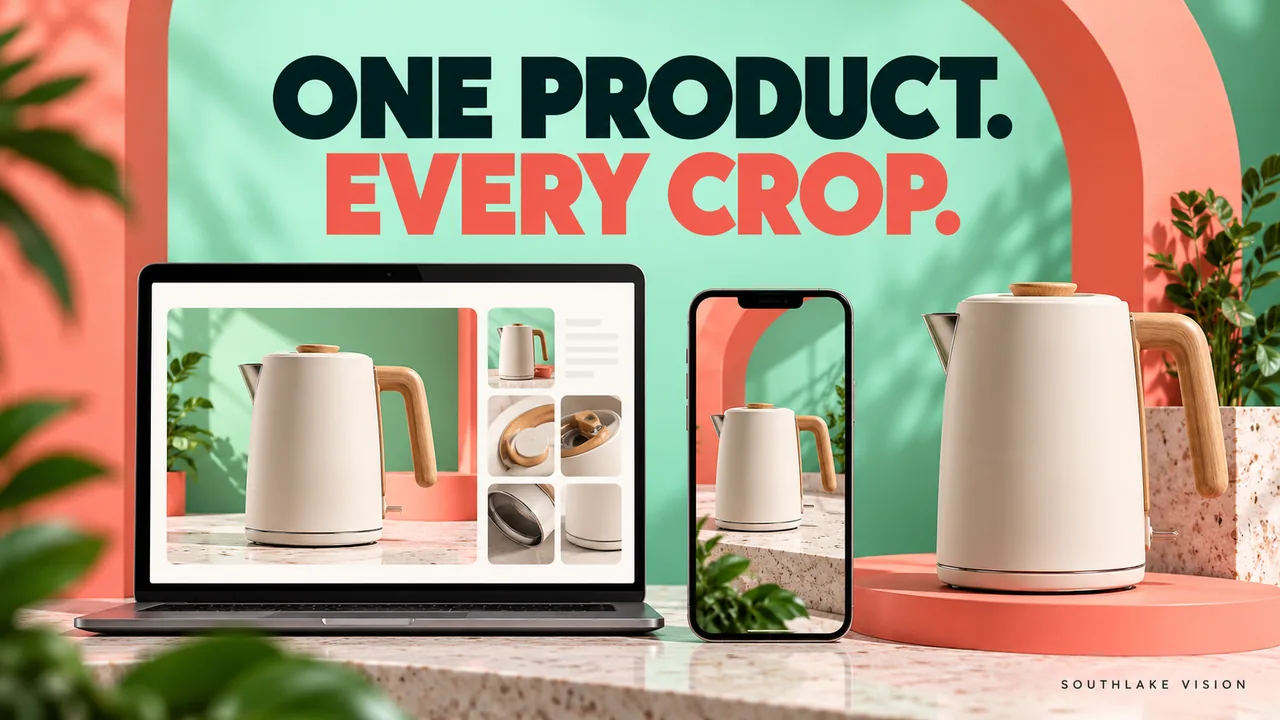
Original editorial cover illustration — Southlake Vision. Product imagery is illustrative.
Create a crop map for one hypothetical product
Shopify product photography becomes easier to plan when every placement is mapped to a specific composition. Consider a hypothetical ceramic teapot with a side handle, projecting spout and patterned lid. The same product must appear in a square collection card, a portrait campaign tile and a wide homepage banner. These examples use 1:1, 4:5 and 16:9 planning shapes; they are not universal Shopify requirements. Your actual theme and settings determine the final outputs.
Start a crop worksheet with numbered entries. Record the placement name, shape, subject position, important boundaries, reserved text area and export identifier. Add a screenshot of the real layout beside each entry. The goal is to make the crop decision visible before capture, when moving the camera or extending the set remains practical.
Entry one: map the square collection card
For entry one, label the output TP01-COLLECTION-SQUARE. The teapot needs to be recognisable in a compact grid, so the composition should preserve the spout, handle and lid without excessive empty space. Mark those three boundaries as essential. Decide whether the pot is centred by its body or by its complete silhouette; those choices can produce noticeably different balance when a handle extends on one side.
Test this framing beside another product from the same collection. If the pot appears much smaller because its spout is included, define a deliberate category rule rather than stretching the object. Ask the product photography team for a proof that demonstrates the rule across contrasting shapes. The worksheet should explain why the final framing was chosen, so later products can follow the same logic.
Entry two: plan the portrait campaign tile
For entry two, use TP01-CAMPAIGN-PORTRAIT and a hypothetical 4:5 placement. This frame might show a hand lifting the lid, with the product occupying the lower portion and a short headline above. The purpose is interaction, so the lid, fingers and opening become essential boundaries. The square packshot may not contain that action, making a dedicated photograph more useful than another export of the same file.
Mark the expected text zone and any interface overlap from the actual campaign layout. Keep the action clear without forcing an unnatural hand position. Coordinate lifestyle photography around the required movement and commercial usage. If the tile must also work without text, record a clean version as a separate deliverable. That prevents copy from becoming permanently embedded in the only usable photograph.
Entry three: build the wide banner deliberately
For entry three, assign TP01-HOME-WIDE to a hypothetical 16:9 banner. Place the teapot and a related cup toward one side, leaving an approved area for the page headline. The product should still read at the banner's actual height. A wide photograph that looks impressive full screen may make a small item almost invisible when reduced to a shallow homepage strip.
Specify whether the background continues far enough beyond the visible crop and whether the headline belongs in page text or the image. Ask the developer how the banner behaves on narrower screens. A desktop composition with the pot on the far right may lose it when the mobile crop centres automatically. Record the alternative mobile treatment in the worksheet rather than assuming the wide banner can serve every viewport unchanged.
Separate safe boundaries from aesthetic preference
The crop map should distinguish what must remain from what would merely be nice to retain. For the teapot, a complete spout and handle are product boundaries. A decorative flower at the frame edge is optional. For the action image, the relevant hand and lid movement matter more than the whole sleeve. This hierarchy allows the photographer and designer to adapt the frame without guessing which losses are acceptable.
Use numbered notes on a proof: one identifies the required product outline, two the interaction, three the text zone and four optional atmosphere. Avoid presenting these as fixed pixel margins before the destination is confirmed. The worksheet documents a composition principle that can be tested against real layouts. It does not create a technical standard applicable to every storefront or advertising placement.
Decide which crops share a source and which need capture
Now compare the three entries. The square card needs a neutral reference, the portrait tile needs a lid interaction, and the banner needs wider environmental space. They share a product and perhaps a visual direction, but they do not automatically share a single source photograph. Mark each output as same-source crop, alternate framing or dedicated action. This distinction helps the quote reflect actual production work.
A clean detail frame might support more than one product page placement, while the banner and hand action may need their own setups. The production process should connect those choices to sample preparation and review. If motion is also required, identify it separately: a photograph of a lifted lid is not a complete video sequence. Shared styling can help, but movement needs its own coverage.
Test the worksheet in the real storefront
Before approving final exports, place representative proofs into the actual theme. Review the square card in a mixed product grid, the portrait tile at its intended display size and the banner on desktop and mobile. Select variants if the same imagery is mapped to several colours. The test should reveal clipping, product scale changes, text collisions and unexpected automatic centring.
Record each correction against its worksheet entry. Specify whether the problem needs a different crop, a layout adjustment or fresh capture. Avoid asking for a global image change when only one placement is wrong. If compression damages the patterned lid or fine handle edge, inspect that export independently. The approved master can remain intact while the storefront derivative is corrected for its particular role.
Deliver a crop register that survives future updates
The handover should include the product code, approved master, output identifier, shape, destination and approval status. Keep clean photographs apart from finished campaign graphics. A future colleague should be able to identify which file replaces the square card without opening every image. When a teapot colour changes, the register also makes it clear which derivatives must be reviewed.
Southlake Vision can plan photography around storefront placements and related design needs. Send actual theme screenshots, the product list and a simple placement worksheet through the contact page. The value of the crop map is practical: it converts an ambiguous request for images that fit everywhere into a finite set of compositions, each with a visible purpose and an inspectable acceptance test.
Frequently asked questions
Are 1:1, 4:5 and 16:9 required Shopify image shapes?
No. They are hypothetical shapes used to explain the worksheet. Confirm your actual theme, section settings and campaign destinations. The same process can map other shapes without assuming one universal platform requirement.
Can we crop every placement from a single large photograph?
Only when the source contains the necessary product boundaries, surrounding space and action. More pixels cannot recover a missing handle or an interaction that was never photographed. Mark dedicated compositions before capture.
Who should approve the final crop map?
The brand confirms product accuracy and communication priorities, while the storefront owner confirms real layout behaviour. The studio confirms whether each composition is practical. Name one person to consolidate these decisions into the current worksheet.