
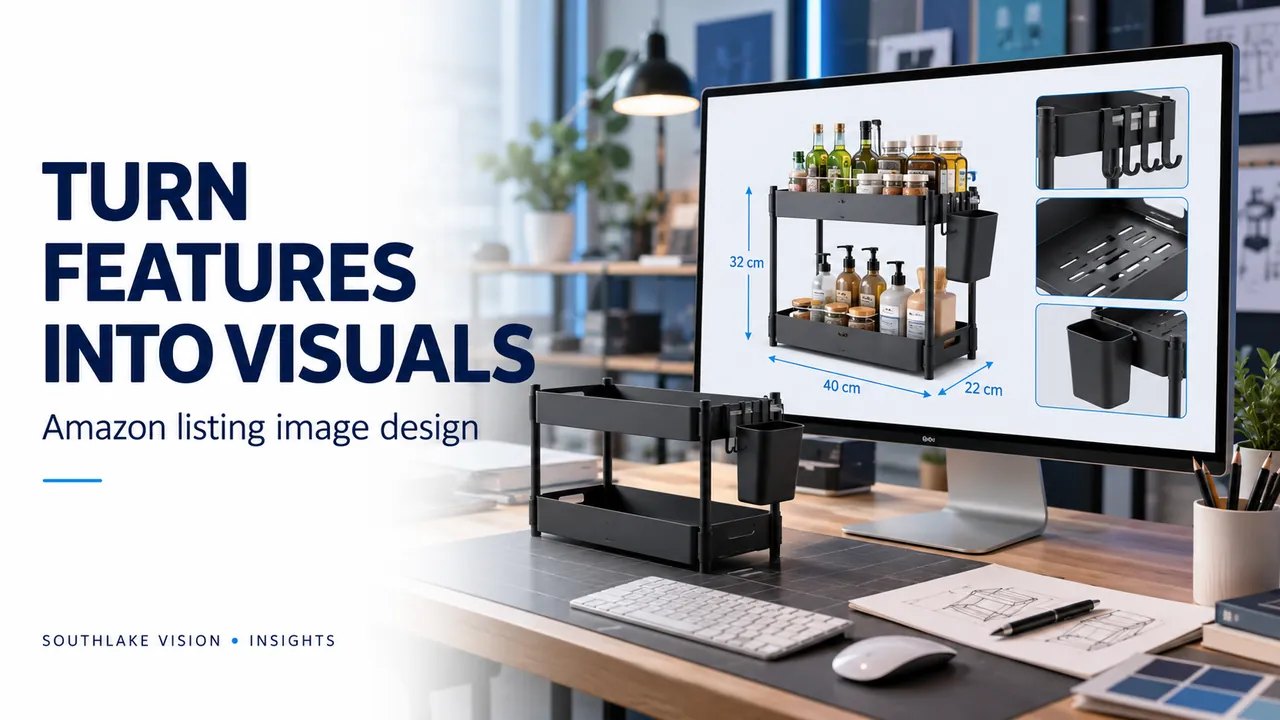
Editorial cover illustration — Southlake Vision.
Define one question for each graphic
Amazon listing image design combines photography, copy and layout to explain a product. Start by giving each secondary image one question to answer: What makes the construction useful? Will it fit? How does it work? What arrives in the box? This editorial step prevents a gallery full of repeated slogans. Rank the questions by importance to the buyer and arrange the graphics so the set develops an understandable story.
Connect a feature to visible evidence
A feature statement should be supported by a photograph, diagram or verified specification. If a bag has divided storage, show the interior. If an appliance has removable components, show those parts clearly. Explain why the feature matters in a specific task without inventing a performance claim. Keep the product prominent and use callouts to direct attention. Decorative icons should support understanding rather than substitute for evidence that the item really has the stated feature.
Design the hierarchy for a phone screen
Choose a short headline, one main visual and only the supporting copy needed to explain it. Preview the graphic at a realistic mobile size, not just on a large design monitor. Check whether small measurements, low-contrast text and fine arrows remain readable. Use a consistent type scale, colour palette and spacing across the set. Maintain enough separation between the product and text so neither becomes difficult to inspect.
Use dimensions and comparisons carefully
Dimension graphics need confirmed measurements and clearly marked units. Specify whether a value describes the item, usable interior or packaged size. For compatibility, state only the models or standards that have been verified. Comparisons should use an understandable basis and avoid unsupported claims about other products. A person or household object can provide context, but perspective can distort apparent scale; it should not replace a dimension diagram where exact fit matters.
Keep variants accurate when reusing layouts
A shared design system can improve consistency across a range, but each export still needs a separate product check. Match colours, accessories, quantities and labels to the relevant SKU. Ask whether a variant change affects the text as well as the photograph. Keep editable layout files organised if their delivery is included in the agreement. Maintain an approved specification sheet so later updates do not reintroduce an old measurement or discontinued feature.
Review content before export
Review the set in three passes: product truth, communication and technical delivery. First verify every number and claim. Then assess reading order, image purpose and mobile clarity. Finally confirm the marketplace requirements, file dimensions and naming convention. The main image has its own rules and should not be treated like an infographic. Southlake Vision coordinates photography and Amazon design so the shot list supplies the evidence and compositions that the final layouts need.
Frequently asked questions
Can existing photographs be used for listing graphics?
Yes, if their resolution, accuracy, angle and usage rights suit the layout. Missing detail views or unsuitable crops may require additional photography.
Should listing graphics repeat A+ content?
Keep brand styling consistent, but give each placement a purpose. Gallery graphics can answer immediate questions while A+ develops product use and brand context.
Official resources
Platform guidance checked on 16 October 2026. Confirm the current requirements for your category, marketplace and account before publishing.