
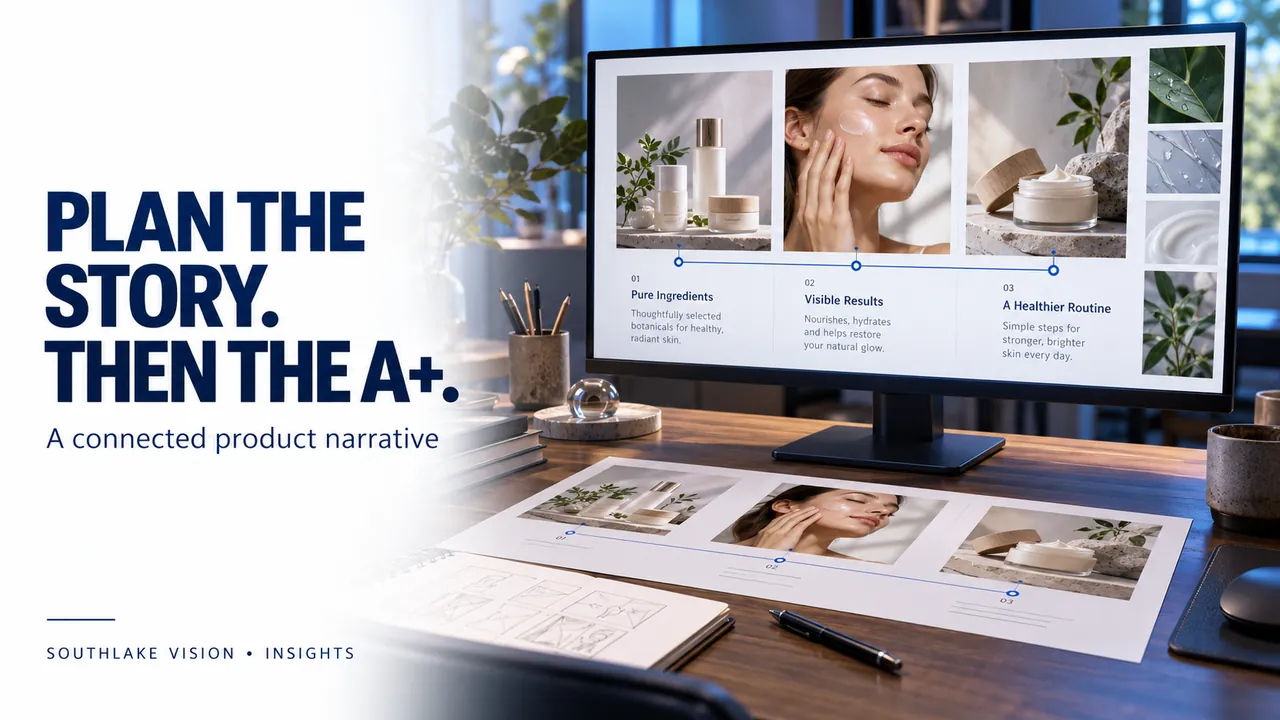
Editorial cover illustration — Southlake Vision.
Establish what A+ needs to explain
Amazon A+ content design services help brands organise enhanced product content around a coherent visual story. Begin with the information buyers still need after viewing the main gallery: use, construction, care, product differences or brand background. Choose a clear objective for the page. Adding more panels without a content plan can create repetition. The strongest brief identifies what each section explains and which photographs or verified details will support it.
Confirm eligibility and available modules
Amazon provides different A+ content options, and availability depends on eligibility and account features. Ask the person managing Seller Central to confirm the options available for your brand before design begins. Agree which module types will be used and obtain the current specifications from the account. Do not assume that a layout built for another brand can be uploaded unchanged. Basic and Premium experiences should be scoped according to the modules actually available to the project.
Create a content map before a visual layout
Write a short outline for each proposed section: topic, buyer question, supporting evidence and desired asset. One section might explain a material, another demonstrate a routine, and another clarify the differences within a product family. Keep brand history relevant to the product experience. Identify missing specifications early. A content map lets the designer and photographer see where a wide scene, detail photograph or product comparison is needed before production starts.
Build a photographic system
Use consistent lighting, colour treatment and styling across the A+ page and listing gallery. Plan compositions around the selected modules, leaving room for text where required. Avoid placing essential product information only inside a complicated image if the module provides a suitable text field. Review both desktop and mobile presentations. A long desktop layout can become difficult to follow on a phone, especially when headlines, product details and supporting copy compete at the same scale.
Keep claims and comparisons verifiable
Provide an approved facts document for materials, dimensions, care instructions and compatibility. Check product-family comparisons against the actual catalogue. Avoid unsupported awards, performance promises or statements that cannot be substantiated. Amazon applies content rules to A+ submissions, so the seller should check the current guidelines before approval. Design services can prepare clear assets and copy, but platform acceptance remains subject to Amazon’s review and the account’s applicable requirements.
Define the final handover
Agree whether the deliverable includes module assets, copy, editable files, upload support or only design exports. Confirm who enters the content in Seller Central and who approves the final preview. Use one consolidated feedback list with module references. Southlake Vision can plan A+ design alongside photography and listing images, allowing a connected visual direction with distinct roles for each placement. Share the product range, available modules and existing brand assets when requesting a scope.
Frequently asked questions
Does A+ content replace the listing image gallery?
No. Plan it as an additional explanation layer. The main gallery should still identify the product and answer immediate buying questions.
Can A+ content be reused across products?
Some brand elements may be shared, but product-specific images, specifications and comparisons must match every item to which the content is applied.
Official resources
Platform guidance checked on 16 October 2026. Confirm the current requirements for your category, marketplace and account before publishing.