
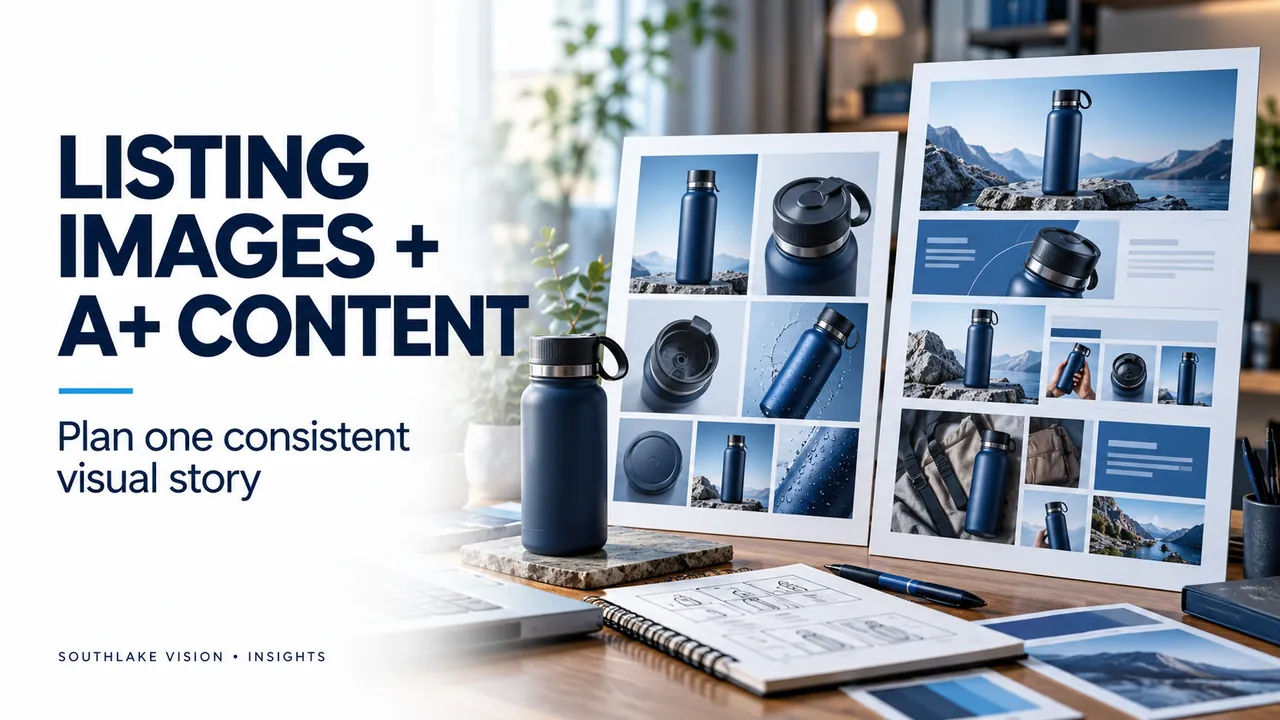
Editorial cover illustration — Southlake Vision.
Map the questions customers need answered
Start with a short list of practical questions: What is included? How large is the product? How is it used? What makes its materials or construction relevant? Use verified product information as the basis for the image plan, and ask your team to flag any claim that still needs evidence.
Give every image a clear job
Plan a product overview, useful detail views, dimensions and context-of-use images according to the product. Avoid repeating the same message across the whole set. Keep feature text concise and readable on a phone. Actual dimensions should come from a confirmed specification, not from estimating proportions in a photograph.
Create a consistent A+ story
Use the same colour palette, type style and photographic direction across the listing and A+ content. A+ can provide space for a more complete explanation of use, care, product differences or brand background. Decide what belongs in each module before commissioning images, so the studio can leave suitable space for copy and layout.
Keep product variants accurate
Record which images can be shared across variants and which must change. Colours, quantities, packaging and included components need to match the item being sold. Shared layouts can simplify production, but each final export still needs its own accuracy check.
Confirm specifications before publishing
Amazon requirements and available content options can differ by category, marketplace and account. Check the current requirements in Seller Central before final export. Confirm image dimensions, file formats, text and claims with the person managing the listing. Treat the visual plan as a production guide rather than a promise of sales or search performance.