
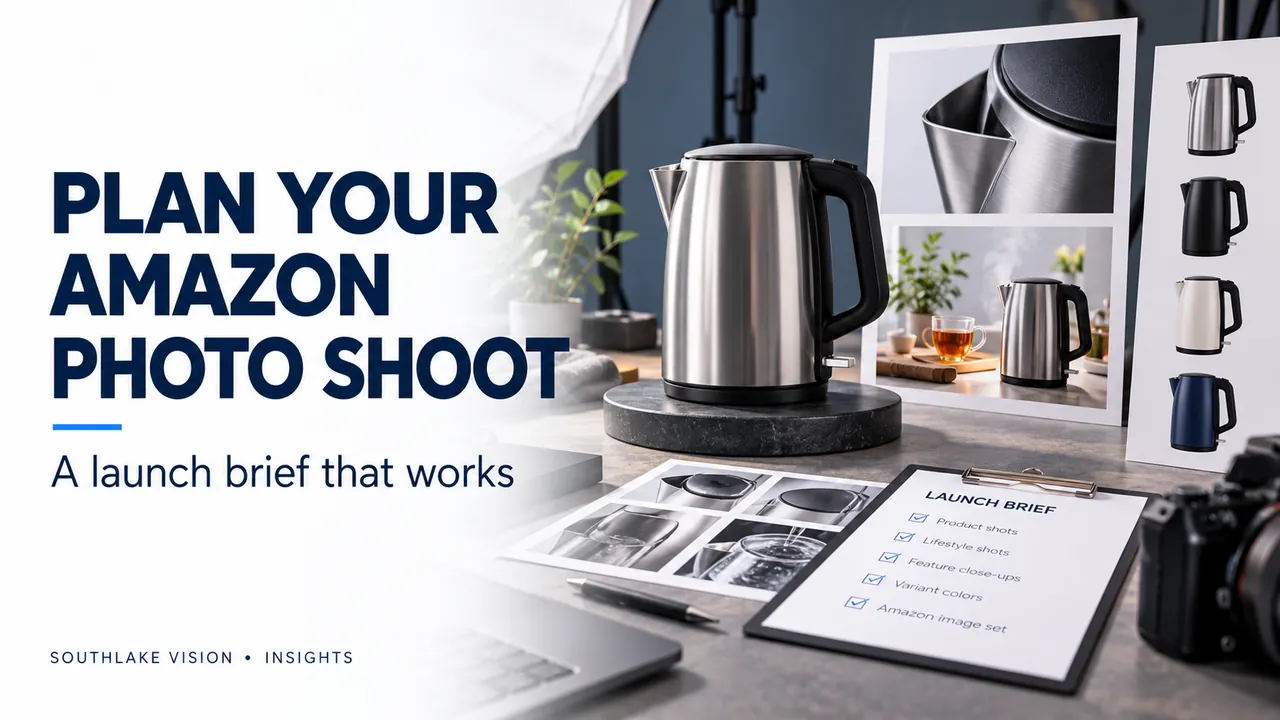
Editorial cover illustration — Southlake Vision.
Start with the marketplace and category
Amazon product photography services work best when the studio knows the marketplace, product category and exact item being listed. A brand selling a bundle needs a different image plan from a brand selling one accessory. Share the current product page if one exists, along with the account manager’s requirements. Separate mandatory listing rules from your preferred visual style. Platform and category guidance should be checked before final export rather than assumed from another seller’s listing.
Give the main image a precise brief
For many product categories, Amazon calls for the main image to show the product on a white background. Check the applicable category guidance for exceptions and detailed requirements. Tell the photographer exactly what is included in the sale, how the item should be assembled and which view best identifies it. Product labels and physical branding need to remain accurate. A clean outline matters, but retouching should preserve real shape, finish and construction.
Use secondary photographs to explain the item
Additional views can clarify details that the main image cannot communicate. Plan a useful sequence: overall appearance, meaningful close-up, scale or dimensions, an actual use and included components. A storage bag may need an interior view; a lamp may need controls and charging details. Choose scenes that answer product-specific questions. Any demonstrated capacity, fit or compatibility should match confirmed specifications, and the imagery should make clear when a prop is not supplied.
Capture for design as well as photography
If the project includes Amazon listing image design, agree the graphic plan before shooting. The designer may need empty space beside the product, a specific hand position or a close-up with enough resolution for a callout. Photograph relevant details directly instead of relying on heavy enlargement later. Keep feature statements short and supported. Approve the underlying product information before it is placed into designed assets; a visually polished graphic can still contain an inaccurate claim.
Handle variants and bundles deliberately
Create a SKU matrix showing colour, size, quantity and packaging differences. Decide which photographs are genuinely shared and which require separate capture. Check every final image against the item it represents, especially when layouts are reused. For bundles, verify the exact component count. Do not infer dimensions from an image. Ask your listing manager to review final files against the applicable image rules and the relevant variation setup before upload.
Agree on review and delivery
Confirm the number of retouched photographs, designed graphics and output versions. Identify the revision scope, delivery format and person responsible for publication. Plan A+ content and video separately if they are part of the launch, while coordinating their visual direction with the gallery. Southlake Vision can connect product photography, listing design and motion in one production brief. Share your target marketplace, product details and desired deliverables to build a project-specific shot list.
Frequently asked questions
Is a seven-image set required for every Amazon listing?
Treat seven images as a possible creative package, not a universal platform requirement. Build the set around your product and check the current upload options and rules for the category.
Will professional photography guarantee higher sales?
No. Images help communicate the product, but results also depend on demand, pricing, reviews, traffic and listing accuracy.
Official resources
Platform guidance checked on 16 October 2026. Confirm the current requirements for your category, marketplace and account before publishing.