
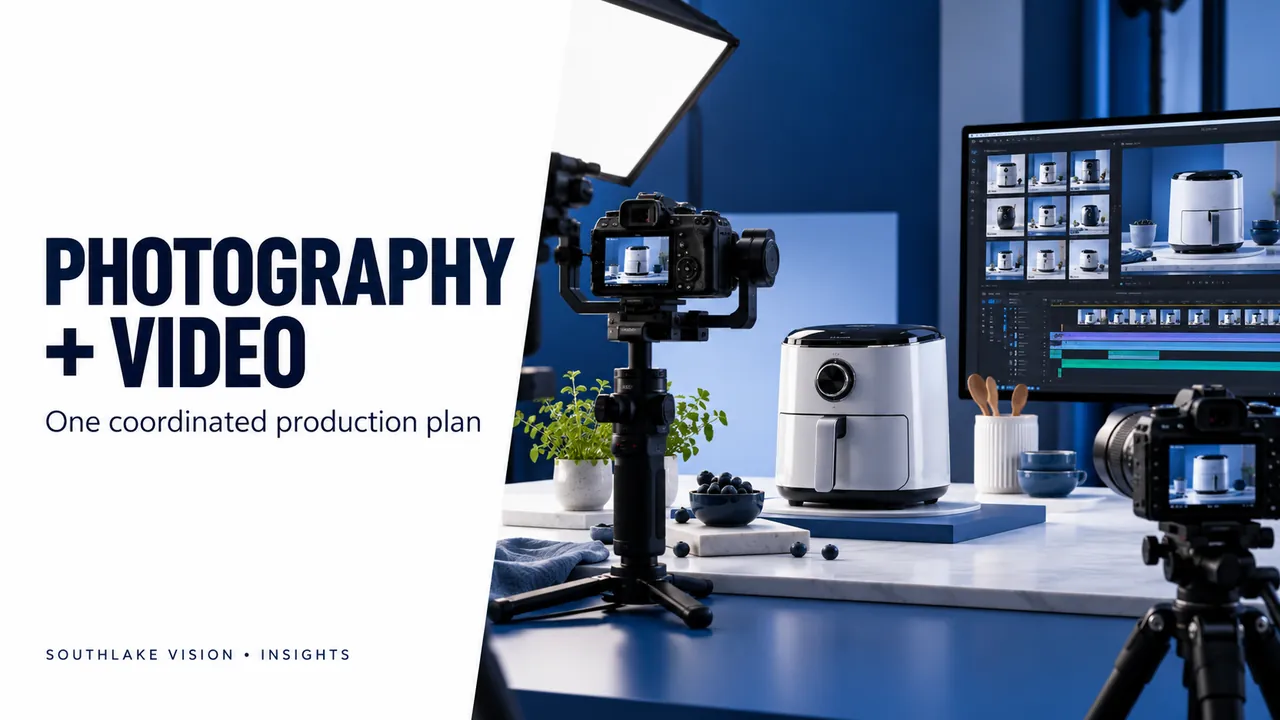
Editorial cover illustration — Southlake Vision.
Choose outputs before choosing a package size
Product photography and video packages are most useful when the deliverables reflect a specific launch. Begin with the channels you need to support and the questions each asset must answer. Product-only photographs may establish appearance, lifestyle images may show context and a demonstration video may explain an action. Southlake Vision connects photography, design and motion around one brief, while defining the quantity and purpose of each output separately.
Find the preparation that can be shared
Photography and video may share sample preparation, styling, a set and some talent arrangements. Identify these overlaps before production is scheduled. A skincare project might use the same surface palette for product stills and application footage; a kitchen product might share a prepared use scene. These overlaps can simplify coordination, but they do not make every additional asset automatic. Motion capture still needs its own time for action, continuity, framing and repeat takes.
Write separate shot plans for stills and motion
A photograph can freeze a compelling moment without explaining how the product reached it. A video often needs a sequence: preparation, use and a visible outcome. Give the product video team the intended story and the photographer a clear image list. Identify close-ups, functional demonstrations and model interactions that each requires. Check whether an action consumes material, changes the sample or needs a spare product before scheduling it alongside the still photography.
Define aspect ratios and edit versions
A landscape film and a vertical social edit may need different compositions and pacing. State the intended placement, orientation, duration range and language for every version. Confirm captions, narration, music and closing screens separately. Additional edits should be counted as outputs even when they reuse footage. For photographs, specify master files, web exports and campaign crops. This keeps a combined package measurable and avoids assuming that a single image or edit can serve every format equally well.
Approve claims and production dependencies
Provide one approved product facts document for stills, graphics and scripts. Make sure a feature described in text matches what the sample can demonstrate. Identify model selection, wardrobe, consumables, custom sets and product assembly before the quote is finalised. Review the model and lifestyle service when people are part of the plan. Agree what requires advance approval so the shoot does not pause while essential decisions remain unresolved.
Review the package as a connected set
Check that the photography and video describe the same product version and use a consistent visual direction. Then review each output against its own purpose rather than expecting identical framing everywhere. Confirm file names, usage terms and final versions before approval. Contact Southlake Vision with your SKU list, target channels and priority deliverables to build a package around the launch. The scope should state what is shared, what is separately produced and what is optional.
Frequently asked questions
Does a video package automatically include short social edits?
Only when they are included in the agreed deliverables. Confirm the number of edits, orientation, duration, captions and any different opening messages.
Can photographs and video always be captured on the same day?
That depends on product complexity, sets, talent and the required actions. The studio should assess those dependencies before confirming the schedule.