
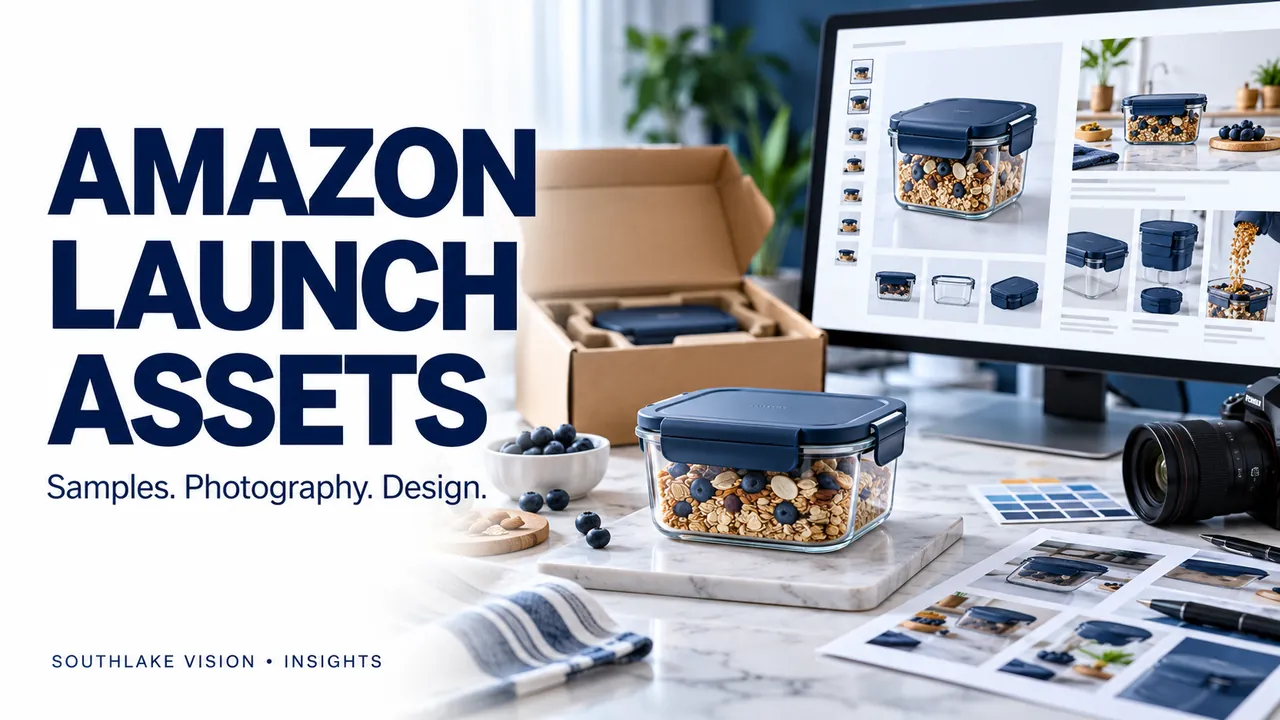
Editorial cover illustration — Southlake Vision.
Plan the launch backwards from the assets you need
Choosing an Amazon photography studio in China is an opportunity to connect product preparation with your launch content. Start with the item being sold, its variations and the questions the listing must answer. Then define the photographs, graphics and optional video that will support those answers. Southlake Vision brings these production disciplines together, allowing one approved product brief to guide the work while keeping each deliverable separately defined.
Create a buyer-question matrix
List the practical questions a first-time buyer would ask: What is included? How large is it? How does it operate? Which details distinguish this version? Assign each question to an asset. A clean overall photograph can establish identity; a detail view can show construction; a designed dimension graphic can explain fit. Avoid assigning the same message to every secondary image. A matrix gives the photographer and designer a common plan and exposes information that is still missing.
Link the sample version to the listing version
For Amazon listing photography in China, ask the supplier to label samples with the seller’s SKU and variant name. Check packaging, accessory quantities and visible branding before the shoot. Record whether a feature is shared across variants or specific to one version. If the product changes during production, identify which images, captions and graphics are affected. A coordinated update prevents an old component or inaccurate quantity from remaining in the final asset set.
Capture the source material that design needs
Discuss the Amazon listing and A+ design plan before photography. A feature layout may need a close-up of a mechanism, a hand demonstrating scale or space beside the product for a caption. Capture those elements intentionally. Do not rely on enlarging a small detail from a general photograph. Provide approved measurements and claim wording so designers can build useful explanations around real evidence instead of guessing what a product feature means.
Set an approval sequence with your listing manager
Approve the sample, shot plan and creative direction before the main session. Review the photography before using it in finished graphics, and then review the complete set for product accuracy. The seller’s listing manager should confirm current marketplace and category requirements before upload. Treat main images, secondary graphics, A+ modules and video as different placements with their own specifications. The studio’s creative approval does not replace the seller’s account-specific publication review.
Handover by SKU and placement
Use a file structure that separates product, variant and destination. Mark which files are gallery images, A+ assets and video versions. Keep an approved reference set for future variations. If a replacement sample is likely, agree how long the original will be retained before return or disposal. Explore the production process and share your asset matrix with Southlake Vision to scope a launch that connects supplier samples with the final creative deliverables.
Frequently asked questions
Can one shoot support listing images and A+ content?
Yes, if both are planned before capture. Their compositions and information needs may differ, so include the intended layouts in the brief.
Does the studio need access to my seller account?
Photography and design can be scoped around your brief and specifications without account access. Agree separately on any upload support, permissions and final publication responsibility.