
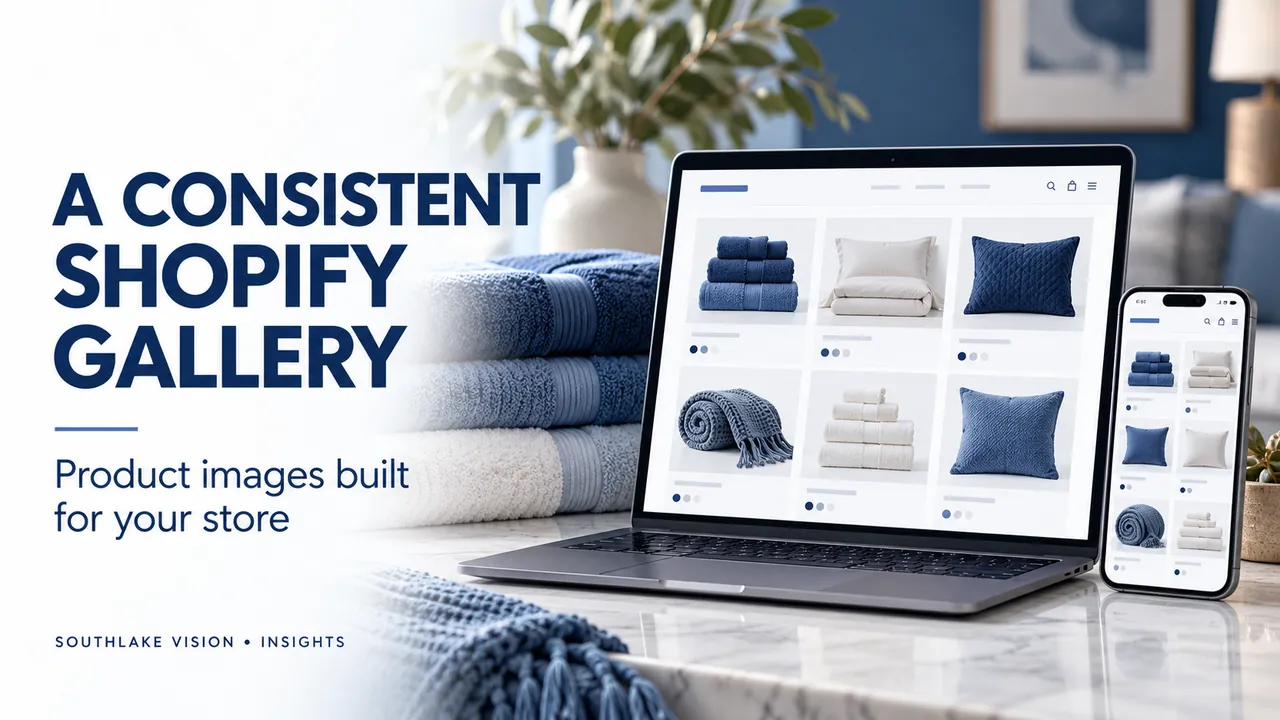
Editorial cover illustration — Southlake Vision.
Plan the storefront before the photography
Shopify product photography needs to work across several storefront placements: collection cards, product galleries, homepage sections and mobile layouts. Begin with your actual theme and page designs. Identify the aspect ratios, crops and text areas each section uses. This avoids commissioning one image shape and discovering that it loses the product when displayed elsewhere. Share screenshots or layout references with the studio so photography decisions reflect how your customers will browse.
Create a consistent collection view
A collection page should make different products easy to compare. Agree on background, camera height, apparent product size and shadow treatment for the lead images. Keep enough margin for the theme’s cropping behaviour. Similar presentation can create continuity without making every product look identical. Check a mixed group of items together, especially when the catalogue includes very different sizes. A consistent system should still allow the important details of each item to remain visible.
Give the product gallery a useful sequence
Use the gallery to move from identification to evidence. After the main view, show important angles, texture, scale, operation and included components as relevant. Lifestyle photography can explain context and brand mood, but should not hide practical information. Confirm the images assigned to each variant so a selected colour does not display a different item. Coordinate product-page copy with the gallery: the text and images should describe the same specification and package contents.
Treat banners as separate compositions
A homepage banner often needs a wider view and clear space for a headline. The mobile presentation may crop differently or need a dedicated image. Provide the photographer with the likely text position and avoid placing a key label or face near an edge that may disappear. Keep essential copy in the page where possible so it can respond to screen size. A photograph designed for a gallery square is not automatically a suitable hero banner.
Keep masters and prepare web delivery
Retain approved high-resolution masters, then supply appropriately sized derivatives for the storefront. Shopify supports image optimisation and can serve supported formats through its image delivery system; theme implementation still matters. Ask the developer to use responsive image output rather than loading the largest original into every slot. Inspect compressed images for damaged gradients, text and material detail. The aim is a useful balance between clarity and transfer size, based on the actual display dimensions.
Review on the live page and a phone
Check that galleries, variant changes and banner crops behave as intended across screen sizes. Use descriptive file names and write useful alternative text for meaningful images without repeating keywords unnaturally. Measure page performance after the assets are placed, because apps, video and theme code also affect loading. Southlake Vision can prepare product-only images, lifestyle scenes and campaign crops around your Shopify layout. Share the theme references and placement list before the shoot is scoped.
Frequently asked questions
What is the best image size for a Shopify store?
Choose source dimensions and crops for your theme, zoom needs and actual placements. Use responsive delivery and confirm current Shopify limits rather than applying one export size everywhere.
Should every image use the same background?
Use a consistent system for comparable catalogue views. Lifestyle and campaign images can use different backgrounds when they have a clear role and remain aligned with the brand.
Official resources
- Shopify: taking product photographs
- Shopify: uploading images
- Shopify developer guidance: responsive image filters
Platform guidance checked on 16 October 2026. Confirm the current requirements for your category, marketplace and account before publishing.