
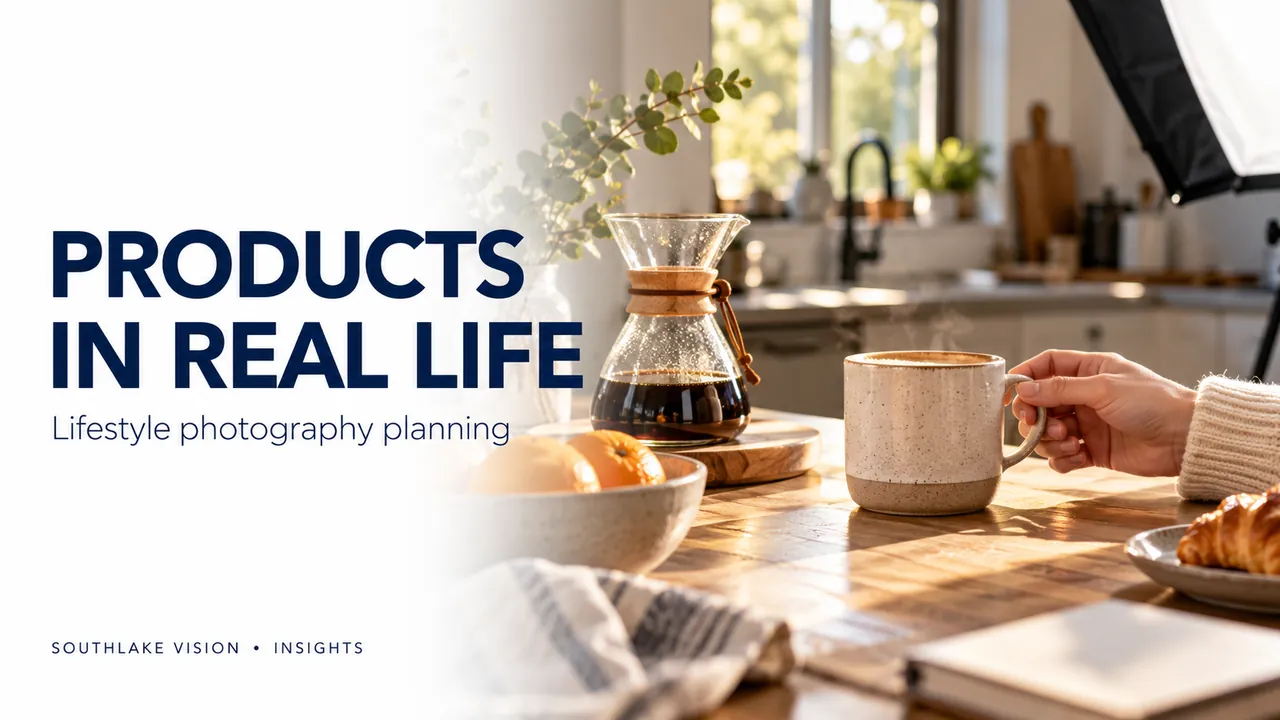
Editorial cover illustration — Southlake Vision.
Begin with an actual use situation
Lifestyle product photography shows an item in a setting that helps a buyer imagine using it. Start with the task or moment the product supports: preparing food, organising a workspace, caring for skin or settling into bed. Define the audience, location and action before choosing decorative props. A useful scene makes the product easier to understand while still expressing the brand’s visual character. It should contribute information that a clean packshot cannot provide.
Select scenes with a clear product role
Write a short scene description that identifies the product, action and intended message. For an oil dispenser, a controlled pouring moment can demonstrate the spout and grip. For bedding, a wider room view can establish styling while a closer interaction shows drape and texture. Keep each frame focused. If the product becomes a tiny background detail, the image may function as a mood reference but be less useful as a product-page explanation.
Match styling to the brand and item
Agree on the colour palette, surfaces, lighting and supporting objects before production. Props should belong to the same use situation and remain proportionate to the product. Record what is included in the sale and what is present only for styling. For reflective or transparent items, the set must also work with the lighting: a visually appealing background can create distracting reflections or make glass edges disappear. Test the composition before committing to the full sequence.
Direct people through plausible actions
If the scene includes a model, brief the action and the product’s correct operation. A hand should grip a handle naturally; clothing should fit; a demonstration should follow the manufacturer’s instructions. Choose casting and wardrobe for the audience and use case. Confirm the agreed usage rights, channels and duration for model images. When only the action matters, hand modelling may provide the required context without turning the photograph into a portrait.
Plan stills, crops and movement together
A lifestyle setup can support a product gallery, banner and social campaign when each placement is identified early. Capture a clear product-led frame, a wider scene with suitable copy space and relevant details where the brief requires them. If video is included, allow time for continuous action and motion-friendly lighting. Do not assume a strong still composition will automatically work in a vertical video; framing, movement and text placement may require a dedicated shot.
Review realism before visual polish
Check scale, function, labels, quantities and interaction before judging the overall mood. Retouching should refine distractions without changing the product’s shape or implying an unsupported result. Compare the final set with the approved references and intended placements. Southlake Vision combines set styling, model photography and product imagery around an agreed brief. Share your target customer, brand references and the situations you want to show so the team can propose purposeful scenes.
Frequently asked questions
Do lifestyle images always require a model?
No. A setting, product arrangement or visible result can explain use without a person. Include a model when interaction, fit or scale needs to be shown.
Can lifestyle photographs replace white-background images?
They serve different purposes. Many projects benefit from both clear product-only views and contextual scenes, with the balance determined by the sales channel.