
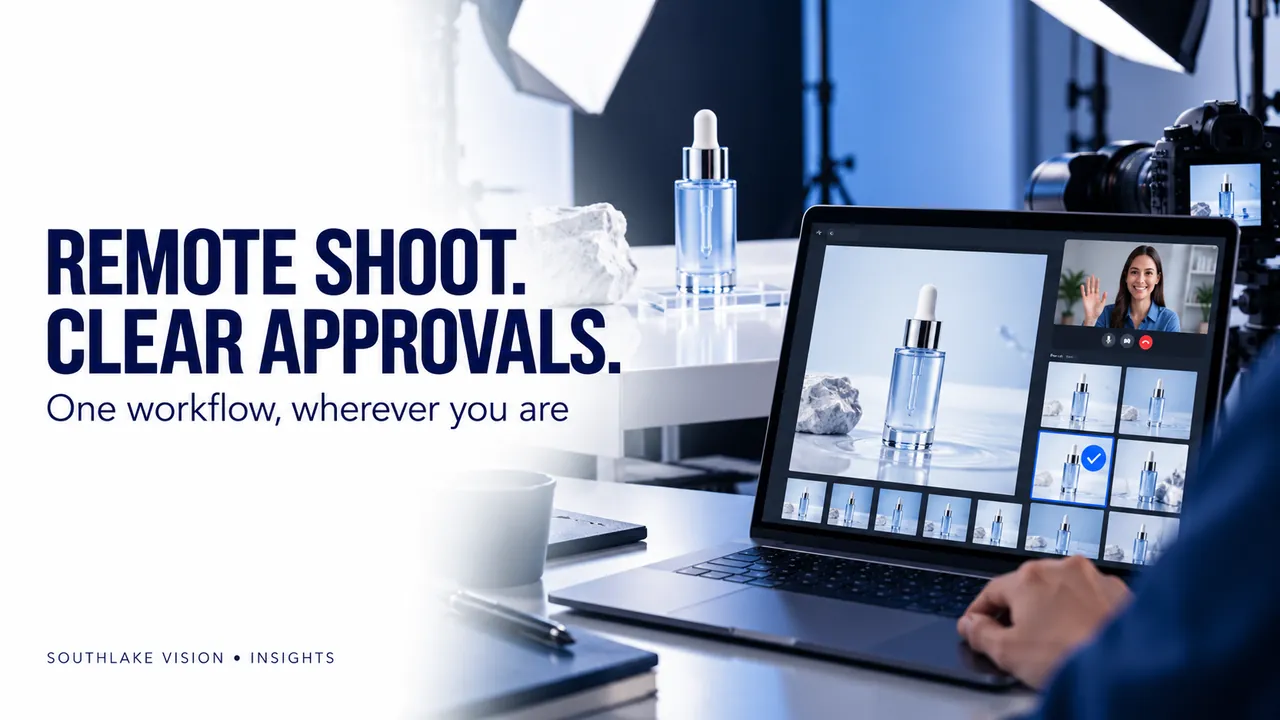
Editorial cover illustration — Southlake Vision.
Replace physical attendance with clear decisions
A remote product photography service works when the decisions usually made on set are identified in advance. Your team does not need to be beside the camera to approve a sample version, lighting direction or final image set. It does need a reliable brief and an agreed review process. Southlake Vision supports supplier-direct projects with photography, design and video connected around an approved production plan.
Before you ship your products for photography
Confirm the studio’s recipient details, required samples and project reference. Send a SKU list, packaging contents, product instructions and reference images. Explain which details must be visible and what must remain accurate. Identify any prototype, defect or unfinished label. Agree whether you are commissioning photography only or also styling, model work, design and video. A complete brief is particularly useful remotely because the studio cannot simply turn to the brand team for an unplanned decision during every setup.
Approve a representative direction early
For a complex or unfamiliar project, agree whether a representative lighting or styling review belongs in the schedule. The purpose is to confirm repeatable choices before the full set is produced. Identify what you are judging: product angle, background, shadows, prop selection or colour mood. Avoid approving a small reference while assuming it covers additional scenes that have not been discussed. A review stage should have a defined scope and should be included in the production agreement.
Set feedback windows across time zones
Name one person who will return consolidated brand feedback and another who can verify product facts if necessary. Agree how files will be shared and when comments are due. If several colleagues are reviewing, collect their notes before sending the studio a single list. Describe requested changes by image name and location. Distinguish an incorrect detail from a new creative preference; the latter may affect the scope if it requires rebuilding a set or reshooting a finished action.
Review the work in layers
Begin with product truth: shape, colour, labels, quantities and operation. Next review styling and consistency across the collection. Finally check crops, graphics and output specifications for the intended placements. If the project includes lifestyle and model photography, confirm that interaction and casting match the approved brief. If it includes video, review the story and sequence before discussing small finishing details. Layered feedback makes the next production step clear.
Finish with an organised handover
Confirm that all approved files are present, correctly named and assigned to the right SKU. Record licensed uses and any agreed restrictions. Settle the sample storage or return arrangement before the project closes. Save the final brief and approved references for future consistency. Explore the Southlake Vision workflow and discuss your remote project with the team to agree on the decisions, files and review windows your launch requires.
Frequently asked questions
Does remote photography require a live video call for every setup?
No. Agree the communication method around the complexity of the shoot. Annotated references, scheduled review files or a targeted call may be sufficient.
What is the most useful way to request revisions?
Provide one consolidated list using file names and specific changes. Include the reason and the approved reference when it helps clarify the request.