
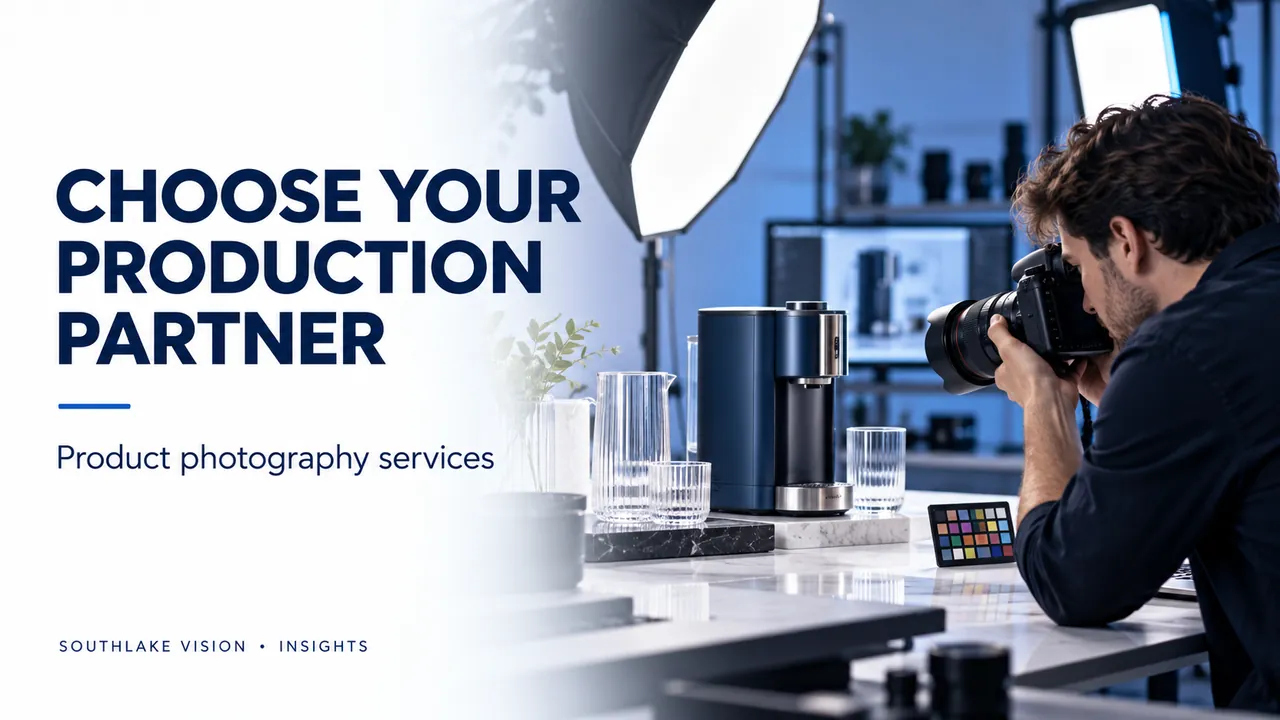
Editorial cover illustration — Southlake Vision.
Choose a partner around the work your images must do
Product photography services cover more than a camera session. A useful production partner turns your sales channels, product details and brand direction into an agreed set of images. Before comparing studios, decide whether you need clear catalogue views, styled campaign photography, model interaction or photographs that will later become feature graphics. These outputs require different preparation. A quote is easier to assess when every image has a defined purpose and an agreed level of finishing.
Separate photography, retouching and graphic design
A photographed product on white, a retouched lifestyle scene and a designed infographic are separate deliverables. Ask whether the quote includes sample preparation, styling, background cleanup, colour correction and final exports. For graphics, confirm who supplies the copy and verifies the specifications. Request a written list of exclusions such as models, special props, set construction and source files. This makes competing proposals comparable and reduces assumptions during production.
Review relevant work at useful detail
Look for examples with materials similar to your own. Glass requires controlled reflections and visible edges; textiles need believable texture and colour; polished metal must retain its finish without distracting glare. Examine whether labels remain readable and whether several images feel consistent as a set. A dramatic hero photograph alone does not show how a studio handles a full catalogue. Ask to see both product-only work and the type of styled image your project needs.
Prepare a sample and approval plan
Send a representative, complete sample with the correct packaging and accessories. Identify cosmetic issues before dispatch and explain which surfaces, controls or construction details matter most. Confirm who approves the shot list, styling and first drafts. For a remote project, establish one feedback owner and use file names to identify revisions. The studio should know whether a change corrects an error or introduces a new creative direction that may require another setup.
Compare the total project scope
A low per-image figure may exclude styling, complex retouching or adaptations for different placements. Compare the complete scope: number of products, colour variants, approved images, backgrounds, crops and revisions. Ask how extra shots and replacement samples are handled. Schedule sample delivery, creative approval, production, review and final exports separately. A launch date should be agreed after the studio understands these dependencies, rather than assumed from a headline turnaround.
Build a useful handover
Request clearly named files grouped by SKU and use. Agree on resolution, colour space, background treatment and whether web derivatives or high-resolution masters are included. Check labels, quantities, proportions and colour before approving the set. Southlake Vision connects product photography, Amazon design and video around one brief, with supplier-direct samples sent to its Zibo studio. Share your SKU list, target channels and references so the team can recommend a defined production scope.
Frequently asked questions
How many photographs should I order per product?
Start with the decisions a buyer must make: appearance, size, material, use and included components. Set the image count after mapping those needs; do not treat one fixed package as suitable for every product.
Are raw files normally included?
File ownership, licensed uses and source-file delivery depend on the agreement. Confirm these points before commissioning the shoot.