
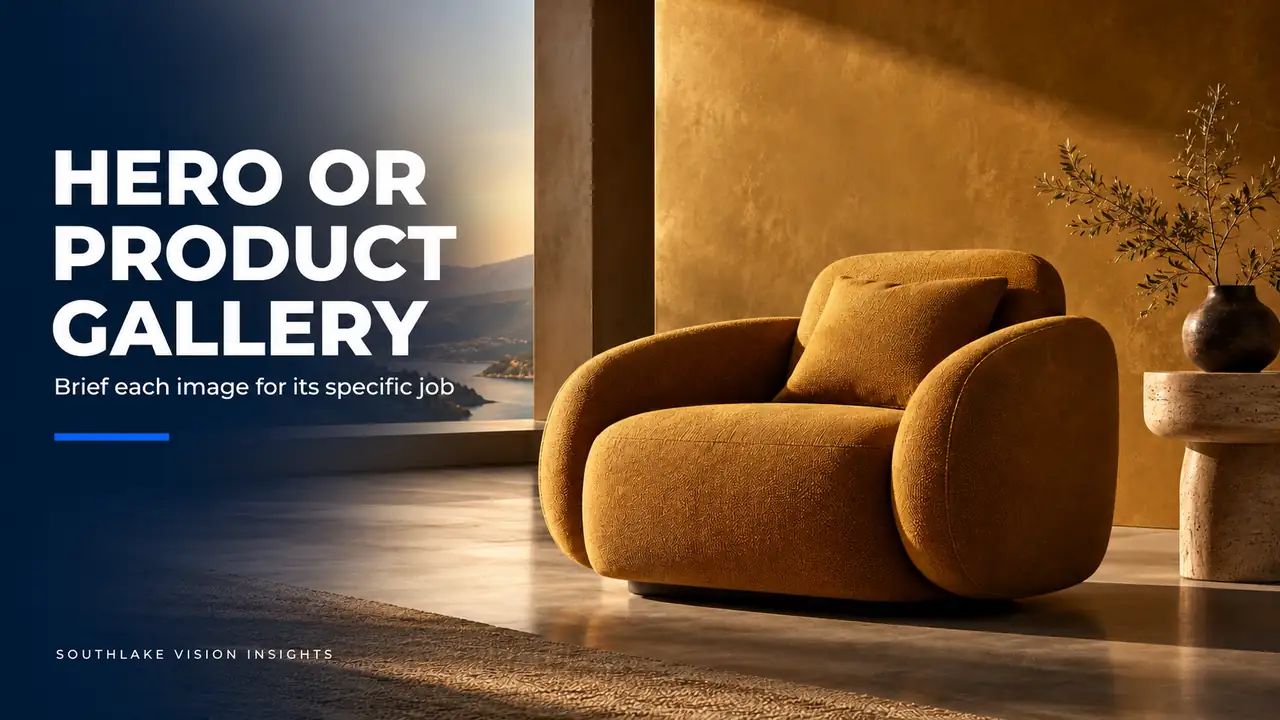
AI-generated editorial illustration. Not a Southlake Vision client project.
Recognise two different viewing situations
For a Shopify Brand, ecommerce photography often needs to serve both a broad homepage introduction and a detailed product gallery. A hero image earns attention and frames a collection. A product gallery helps a shopper inspect a specific item. Treating them as separate jobs makes one shoot more useful without expecting one photograph to perform incompatible roles.
Start by defining the viewer's question in each placement. A hypothetical furniture brand's homepage may introduce a calm living collection, while the chair page must explain form, upholstery and construction. The two images can share a setting and visual language, but they need different emphasis, framing and levels of information to serve those questions well.
Obtain the hero layout before building the set
Ask the designer for the intended hero area, including likely text placement, navigation overlap and mobile behaviour. Identify where the focal product needs to remain visible and where the composition can provide quieter space. Check the actual theme instead of assuming that a wide desktop crop will naturally work on a phone.
In a hypothetical room scene, a chair positioned at the far edge may support a desktop headline but disappear in a central mobile crop. Plan a second composition or a different focal arrangement before shooting. This is a camera-and-styling decision. Simply extending a background later cannot always restore the spatial relationships that make a room believable.
Define the gallery's evidence separately
Write the gallery shot list from the product's buying questions. A furniture item may need a clear overall view, side profile, upholstery close-up, connection detail and an ordinary use reference. The homepage hero does not replace these just because it contains the same product in an attractive room.
Review the furniture photography portfolio for ways to present shape and detail. Then identify what your exact item requires. A swivel mechanism needs different coverage from a fixed base, and a removable cover raises different questions from attached upholstery. Product-specific evidence should guide the close views, even when the campaign setting is already established.
Connect the images through controlled choices
Choose a shared light character, palette and material treatment that can survive changes in camera distance. The hero may be wider and more expressive, while the gallery remains clearer and more direct. Their relationship should feel intentional without forcing decorative props into every close-up or removing useful detail from the hero.
For a hypothetical chair collection, the same restrained wall colour and natural light direction can connect a full room to a closer product portrait. Keep upholstery colour consistent between them. If the lighting needed for a clear seam differs from the room treatment, judge the result against the actual fabric rather than maintaining a dramatic shadow at any cost.
Schedule shared preparation and distinct captures
List the preparation that the two image families can share, such as assembly, steaming, surface cleaning and set construction. Then list the captures that need separate camera positions or product arrangements. This distinguishes efficient planning from an unrealistic assumption that gallery images are free by-products of a campaign shot.
Sequence the work around practical dependencies. Photograph a clean product reference before introducing an action that may disturb styling. Capture wide compositions while the full room is ready, then move closer for details. Discuss these choices with Southlake Vision's lifestyle photography team so the agreed scope includes both the shared preparation and the distinct visual tasks.
Protect scale when changing viewpoints
A wide room image and a close product portrait can create different impressions of size. Avoid using an extreme perspective that makes a product seem unusually large or changes the apparent relationship between its parts. Where size is important, support the gallery with a truthful reference and approved measurements rather than relying on atmosphere.
Props also influence perceived scale. An unusually small side table can make a chair look oversized, while an oversized decorative object can do the reverse. Choose surrounding objects intentionally and inspect the composition through the camera. A convincing room should support customer understanding rather than depend on clever styling that misrepresents the saleable product.
Review two layouts during approval
Place hero candidates into a draft homepage and gallery candidates into a draft product page. Review both on mobile as well as desktop. Check that interface text stays legible, the principal product survives cropping and important details remain visible at a normal viewing size. Evaluate the image within its intended job.
Consolidate feedback by placement. If a hero needs more breathing room, specify that; if a gallery detail lacks focus on the mechanism, identify the relevant area. Southlake Vision can work from that concrete review more effectively than from a combined list of general preferences that does not distinguish attention-building from product explanation.
Deliver families that remain easy to reuse
Keep hero compositions and gallery evidence in clearly labelled groups, with product identifiers and approved crop variants. Preserve masters separately from web exports. The ecommerce team should be able to select a correct homepage asset without searching through retouch previews or mistaking a context photograph for a neutral product reference.
Document where each approved asset appears and the limitations of its crop. This makes future seasonal swaps and collection additions easier to scope. To plan both image families in one production, share the homepage layout and product page needs with the sample list, intended visual direction and any current images that already answer important buying questions.
Frequently asked questions
Can one photograph work as both a Shopify hero and a product gallery image?
Sometimes, if the composition genuinely serves both placements and survives the required crops. Test it in each layout. A wide setting usually cannot replace all product evidence, and a tightly framed catalogue image may not provide space for a homepage introduction. Plan overlap where it works rather than assuming it.
Does a separate mobile hero require a separate shoot?
Usually the decision is about additional composition within the planned production, not automatically another shoot. Confirm the mobile layout before the set is dismantled and capture an appropriate variation when feasible. A different crop may be enough, but a substantially different arrangement needs to be planned and approved.
Related reading
Official resources
Platform resources checked on 18 October 2026. Confirm current category and account requirements before publishing your assets.