
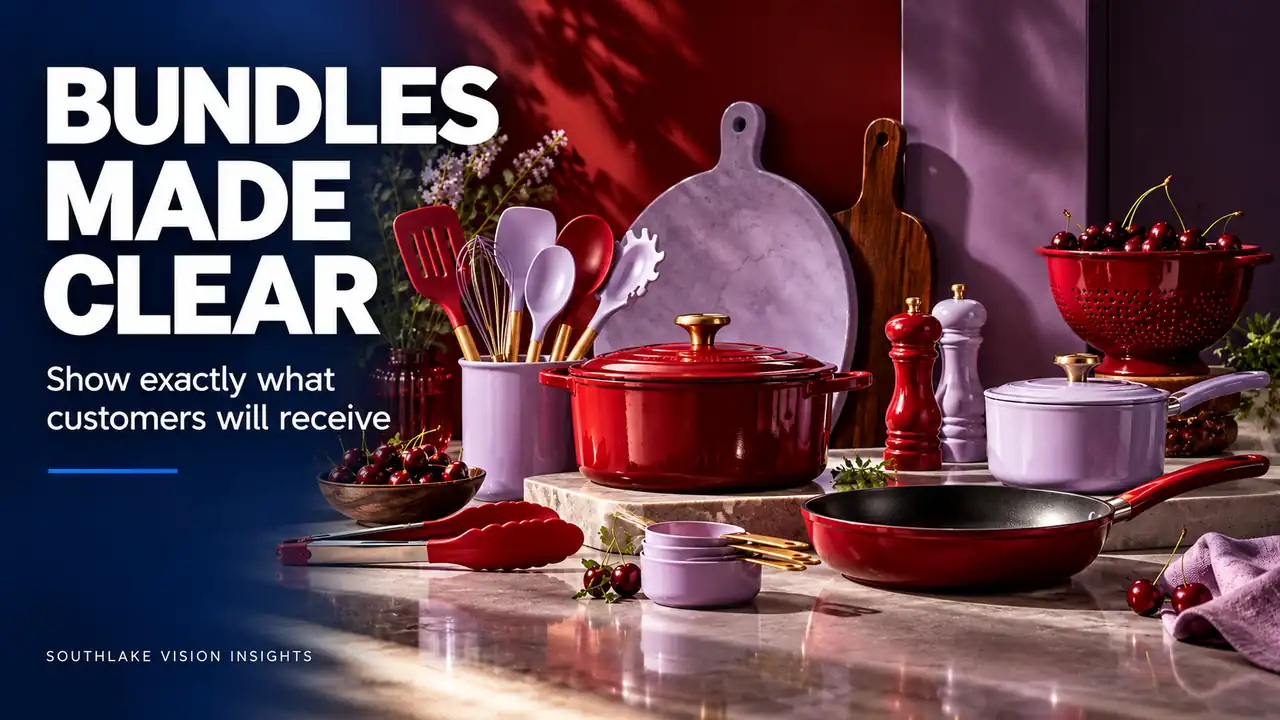
AI-generated editorial illustration. Not a Southlake Vision client project.
Treat the bundle as a defined offer
For a Direct To Consumer Brand, bundle photography must explain a commercial offer as well as show attractive products. Shoppers need to understand which pieces arrive together, how those pieces relate and whether anything pictured is decorative or optional. Begin with a confirmed contents list, not a styling concept.
Create a separate entry for each bundle configuration, even when some components overlap. A hypothetical kitchen brand might sell a starter set, an expanded set and individual utensils. Similar-looking group photographs can conceal meaningful differences. Identify each component by product code and quantity before deciding how the three offers should look beside one another in the store.
Establish an unmistakable contents view
Capture one controlled arrangement in which every included component can be counted and identified. Keep overlaps modest and avoid placing smaller pieces behind larger objects. Packaging can be shown separately when its relationship to the contents would otherwise be unclear. The objective is an understandable offer, not the most tightly packed composition.
Test the arrangement at the actual gallery size. A small accessory may disappear even though it is present in the high-resolution master. Change its orientation or spacing if needed. Review the kitchen product portfolio for ways to organise related objects, then build the arrangement around the verified contents of your own set.
Use grouping to explain relationships
A bundle can contain products that work together or several versions of the same item. Photograph those relationships deliberately. Place a matching lid near its container, or position different utensil heads so their shapes remain distinct. Grouping should reduce the work required to understand the set without implying that separate products are physically attached.
For a hypothetical utensil kit, the photograph might show the holder behind a clearly separated row of tools. If an optional stand is excluded, do not use it as the main organising device. The composition itself influences expectations, and a small disclaimer may not repair a misleading impression created by a prominent object.
Distinguish the contents image from the use image
A lifestyle scene can demonstrate why the products belong together, but it does not need to perform the same counting task as the contents reference. Label the role of each planned image in the brief. One establishes the offer; another shows the set in ordinary use; details explain individual features.
Props should be chosen with the same discipline. Food, textiles or background utensils may provide context, but their visual prominence should not make them appear included. Where confusion is likely, change the styling before relying on additional text. The viewer should be able to understand the broad distinction between the purchased set and its surroundings quickly.
Preserve relative scale across configurations
When sets share components, keep a stable visual reference for their size. Uncontrolled camera distance can make the smaller bundle appear physically larger than the expanded version when displayed in adjacent collection cards. Agree how much of the frame the shared anchor product should occupy, then test the resulting grid.
A consistent camera position may help, but different compositions sometimes require practical adjustments. Judge the displayed result rather than applying a rigid rule blindly. The point is to avoid a false comparison. If a change in product size is real, preserve it. If the apparent change comes only from framing, revise the crop or camera setup.
Show useful differences between bundle options
Ask why someone should choose one configuration over another. If the difference is an additional tool, show that tool clearly. If it is a larger container, give the buyer a truthful size reference. Avoid generic arrangement changes that make the photographs look different while hiding the actual difference between offers.
In a hypothetical comparison of two cleaning sets, shared components can occupy similar positions while the extra brush receives a clear, separate place. Any accompanying copy should come from the approved contents record. Southlake Vision can plan product photography around these distinctions, with clean and contextual views supporting different stages of the customer's decision.
Plan for substitutions before they occur
Bundles are vulnerable to later component changes. Keep an asset register showing which individual products appear in each image. If the supplier replaces a handle design or packaging label, the team can identify the affected set photographs without reviewing the entire media library from memory.
Discuss whether likely changes warrant separate component captures alongside the group shot. Those photographs can support future layouts, but they should not be composited carelessly into a scene with incompatible light or inaccurate scale. A new bundled offer may need a new group photograph. Documenting that possibility is more responsible than assuming every future change will be a simple edit.
Check the final storefront against the packing list
Before publishing, compare the chosen images with the current fulfilment contents. Check quantities, colours, packaging and any variant-specific substitutions. Then inspect the collection card, product gallery and cart-related images so that an old bundle photograph does not remain in a secondary location after the main image has been corrected.
Retain the approved contents reference with the delivered files, and record when it changes. To brief a bundle project, share the configurations and component list along with the intended page layouts. A clear offer makes the shoot easier to direct and gives shoppers a better basis for choosing the set that fits their needs.
Frequently asked questions
Can a bundle photo include objects that are not supplied?
Contextual scenes may need props, but their role should be visually understandable and appropriate for the destination. Keep a separate clear contents view, and avoid making an excluded accessory the focal point of the arrangement. Resolve obvious ambiguity through styling before expecting supporting copy to explain it away.
Should each bundle configuration have its own photographs?
Each configuration needs accurate visual coverage. Some component details can be shared when the products are genuinely identical, while the overall contents usually need a distinct reference. Review quantities, colours and packaging separately. A shared product family does not mean that every group photograph represents every purchasable option.
Related reading
Official resources
Platform resources checked on 18 October 2026. Confirm current category and account requirements before publishing your assets.