
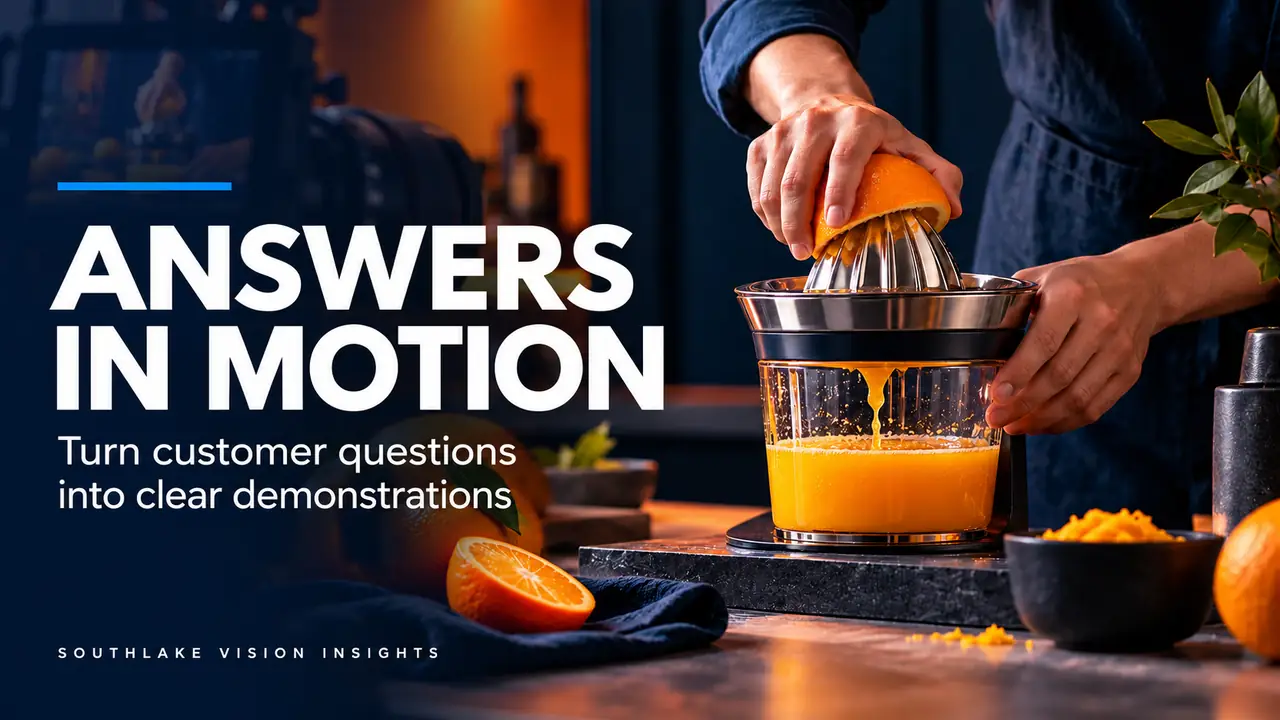
AI-generated editorial illustration. Not a Southlake Vision client project.
Translate questions into visible actions
An Amazon product video becomes easier to plan when it begins with uncertainty rather than a list of features. Customers may ask whether a lid locks securely, how a device is cleaned or what arrives in the box. Each question suggests a physical action that can be filmed. Start by collecting questions from your own support conversations, approved product information and internal sales feedback.
Group similar questions and remove those that the product team cannot answer confidently. Southlake Vision video production can help turn the remaining questions into a demonstration sequence. The objective is a useful explanation of the actual product, not a collection of impressive shots that leave the original questions unresolved.
Distinguish a demonstration from a claim
Some questions are answered directly through observation: how a handle folds, where an accessory attaches or how many pieces are supplied. Others involve durability, performance over time or suitability for particular conditions. These need approved supporting information beyond a short film. Do not let an attractive visual imply a broader promise than the brand can substantiate.
Create a two-column planning document pairing each question with the evidence available. Mark whether the evidence is a visible action, a confirmed specification or something still awaiting verification. This prevents the editor from improvising unsupported captions later. If a question cannot be answered responsibly, revise the scope before booking the demonstration rather than solving the uncertainty with stronger adjectives.
Arrange the answers in a natural sequence
A helpful sequence usually follows the customer's relationship with the product. Identify the item, show the relevant setup, demonstrate the main operation and explain the next step. However, the first answer should also justify watching. If customers mainly struggle with a locking mechanism, showing that mechanism promptly may matter more than opening with a lengthy unboxing scene.
For a hypothetical manual kitchen tool, the sequence might show the assembled product, the locking action, ordinary use and the removable parts used for cleaning. This is a planning example, not a claim about a particular product. Our kitchen product portfolio can help you discuss framing, materials and the balance between hands and product.
Show cause and effect in the same action
A demonstration is strongest when viewers can see what produces the result. Record a useful continuous view of the action before collecting decorative details. If a button opens a compartment, show the hand pressing the button and the compartment opening without hiding the relationship behind an unnecessary cut. Add close-ups to clarify the action, not to replace its evidence.
Choose a camera angle that keeps the operating area visible. Hands should not cover the very control being explained. Rehearse the action slowly enough to identify where an extra viewpoint is required, then perform it naturally for camera. The rehearsal is for visibility and accuracy; the final edit should not make the product appear faster or easier than the recorded operation supports.
Capture useful supporting material while the setup exists
Once the demonstration is lit, record the small views that can save an edit: the correct grip, the closed position, accessory connections and a clean starting frame. Capture a little stillness before and after each action so the editor can add explanatory text without freezing an awkward intermediate moment. Check that labels remain readable when that matters to the instruction.
Keep continuity notes on the sample and its state. A cleaned tool should not suddenly appear with food residue in the next shot, and the quantity of contents should remain consistent. If multiple takes use different samples, confirm they represent the same version. Good continuity supports comprehension even when the viewer cannot explain why an inconsistent sequence feels confusing.
Write captions that complete the picture
Captions should name the step or resolve the specific question. A short phrase such as identifying a removable tray is more useful than a vague claim about effortless living. Avoid packing every technical fact onto the screen. If a detail requires a long explanation, consider whether it belongs in a separate instruction resource or a product image rather than the main demonstration.
Review the rough cut without sound. The essential operation should still be understandable through framing, action and concise text. Then review with sound to ensure music and narration support the pace. At Southlake Vision, photography and video can be planned together so the same terminology and product references remain consistent across a launch.
Review the edit for misleading shortcuts
Cuts, speed changes and close framing can alter the meaning of a demonstration. Ask whether the edit hides a necessary setup step, makes a repeated task look instantaneous or implies that an accessory is supplied when it is merely a prop. Preserve enough context for viewers to understand what actually happened on set.
Use the current requirements for your intended Amazon placement when preparing the final export; requirements and available placements should be checked by the account owner. Keep the review focused on both product accuracy and presentation. Approving the music or color grade is not the same as approving the demonstration. Assign a product specialist to confirm the operation shown before the final file is released.
Create a question-led delivery package
Deliver the main film with clearly named supporting versions and a simple record of the questions it answers. If separate clips were commissioned, label them by topic rather than only by sequence number. This makes later updates easier when a product changes or a new question becomes important. Keep an approved transcript alongside the final edit.
Before requesting a quote, choose the questions that deserve filming and identify who can approve each answer. Contact our team with your product and question list to discuss the sample, required demonstrations and intended uses. A defined evidence sequence gives the studio a more reliable basis for production than a request for a video that simply looks premium.
Frequently asked questions
How many customer questions should one product video answer?
Choose the questions that most affect understanding of the product, then test whether they fit a coherent sequence. Several related questions can share one demonstration. If answering another question requires a separate setup or lengthy explanation, a supporting clip may be clearer than extending the main film.
Can existing photographs replace demonstration footage?
Photographs can identify contents or show details, but they cannot prove how a mechanism operates. Use them where a static explanation is appropriate and capture motion where the relationship between an action and its result matters. Define the balance before filming so the final video has enough functional coverage.
Related reading
Official resources
Platform resources checked on 18 October 2026. Confirm current category and account requirements before publishing your assets.